Orchard Grocery
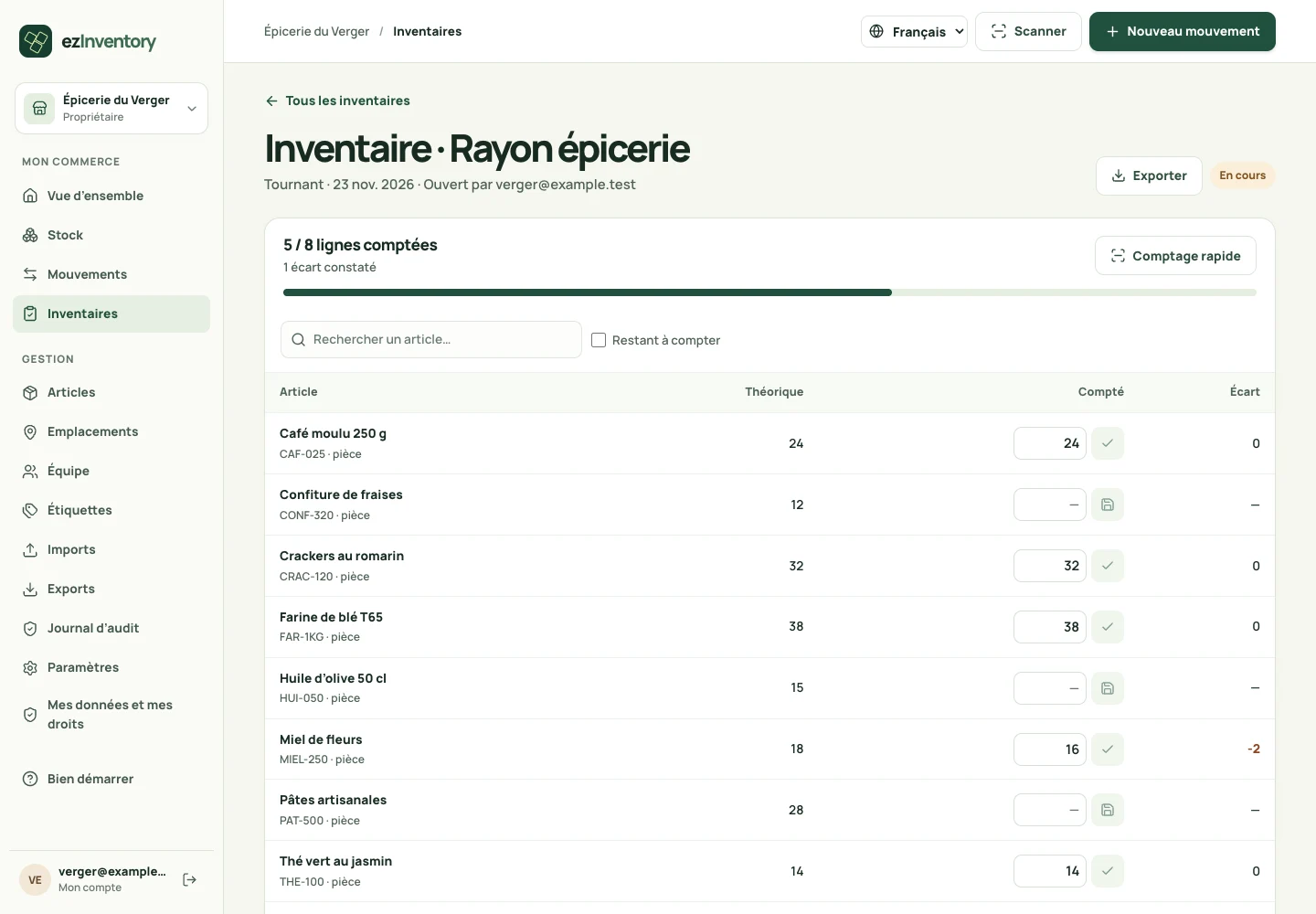
Stocktake · Grocery aisle
In progress| Item | Expected | Counted |
|---|---|---|
| Ground coffee, 250 g | 24 | 24 |
| Blossom honey | 18 | 16 |
| Strawberry jam | 12 | — |
Stock and inventory for shops
Scan items, count one aisle or the whole store, then review discrepancies. Keep quantities up to date and export your data whenever you need it.
The apps are coming soon.
Available in your browser on desktop and mobile.
Orchard Grocery
| Item | Expected | Counted |
|---|---|---|
| Ground coffee, 250 g | 24 | 24 |
| Blossom honey | 18 | 16 |
| Strawberry jam | 12 | — |
Import your items or add your first product by scanning its barcode.
Choose which columns to import from Excel or CSV. When a food barcode is recognised, Open Food Facts can suggest a name and photo.
Count a few items or an entire location using a camera, barcode scanner or keyboard. See which aisles are due and reuse your usual selections.
Review discrepancies and recount items that moved. Export your data or combine full stocktakes from the same date in one Excel report.
Set up locations, print their labels and see who recorded each movement. Managers can approve stocktakes in the same workspace.
On the web, iPhone and Android
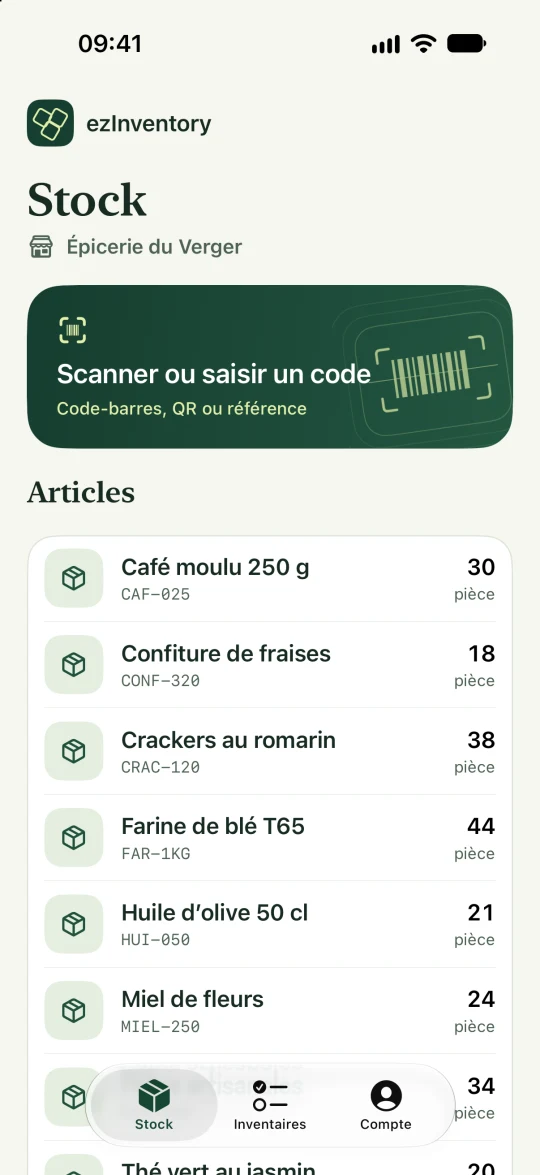
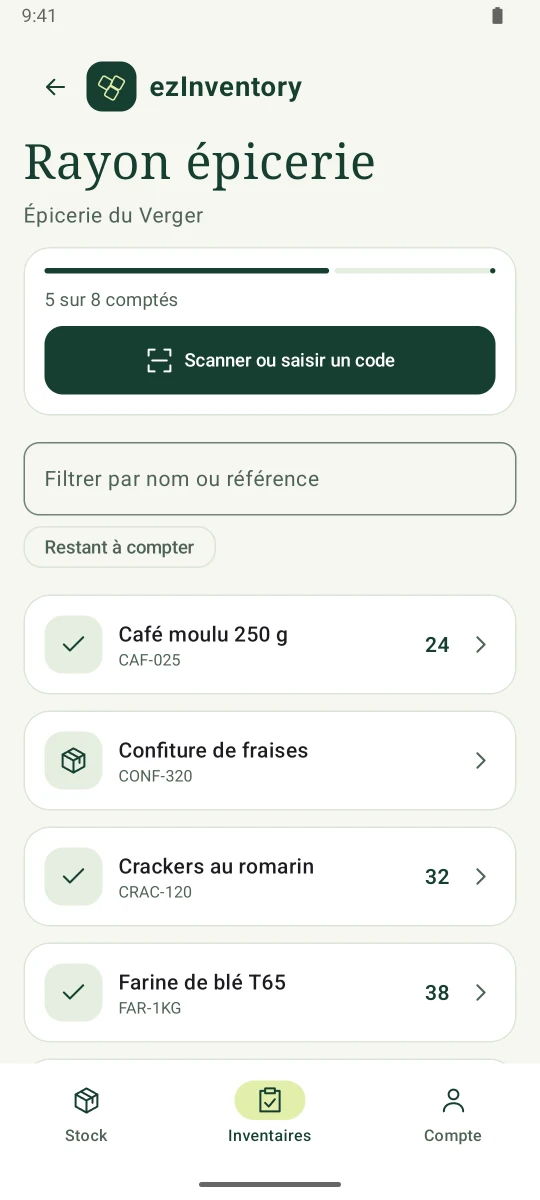
Set up stocktakes on the web. On the shop floor, check the same stock, scan an item and count alongside your team.
Yes. ezInventory works independently. Import a file from your till if its columns match, then export your stock or counts. Data is exchanged via files.
A full stocktake covers every item in stock at a location. A cycle count covers the items you select, such as fast-moving products or items you want to check.
A compatible phone camera works from the browser. You can also enter a code manually or use a keyboard-style barcode scanner.
The iOS and Android apps are being prepared for the stores. You can already check stock, scan and count in your phone’s browser.
Your browser reads the file. Choose which columns to map and preview the selected values before saving. You can also download a cleaned CSV copy.
Export stock, items, locations, movements and counts from your workspace. Excel can group several data sets in one workbook.
Send an invite link or show the QR code. Each person creates their own account and can access the companies and features assigned to their role.
If the stocktake is already open, keep entering quantities in the same browser tab. Save them once your connection returns.
Create your workspace and get started with your own items.